Phones! Phones! Phones! Schools should work to plug phones back in. If your name is incorrect on your phone, please contact...
Powered by Blogger.
Destiny Upgrade scheduled this weekend
Destiny (our library management system) will be upgraded over the weekend and will be unavailable on Saturday, January 21 and Monday morn...
Destiny Upgrade 12/15/15 PM and Media Tip: GoFollett
Update Tomorrow Just a heads up that we will be updating Destiny tomorrow 12/15/15 around 4:00 PM. Please be mindful that the system w...
Mclass ipads - ios 9.0
Today Apple released an update to iOS 9. MClass has released this statement regarding the update: IMPORTANT! iOS 9 Update On Wednesda...
Showing posts with label upgrade. Show all posts
Thursday, August 8, 2019
Updates from Information Services
Phones! Phones! Phones!
Schools should work to plug phones back in.
If your name is incorrect on your phone, please contact the individual at your school/site responsible for managing your phones.
Report any and all phone issues to Shirley Nixon at ShirleyNixon@johnston.k12.nc.us or x1000.
PowerSchool Upgrade - version 19.4.2
PowerSchool upgrade to version 19.4.2.0 will occur the weekend of August 16-19.
PowerSchool will be brought down on Friday, August 16, 2019, at 5 p.m. and
returned to service no later than Monday, August 19, 2019, at 6 a.m.
Labels:
information
,
phone
,
phones
,
powerschool
,
Services
,
upgrade
Friday, January 20, 2017
Destiny Upgrade scheduled this weekend
Destiny (our library management system) will be upgraded over the weekend and will be unavailable on Saturday, January 21 and Monday morning, January 23 until 7:30am. We apologize in advance for any inconvenience this may cause. Since many of you are not in school during this time it shouldn't cause too much trouble, however, please let your students and teachers know if this impacts your school.
Monday, December 14, 2015
Destiny Upgrade 12/15/15 PM and Media Tip: GoFollett
Update Tomorrow
Just a heads up that we will be updating Destiny tomorrow 12/15/15 around 4:00 PM. Please be mindful that the system will be down for a very short period around that time.
Thanks for your understanding.
Today's Media Tip: Go Follett
Guest Blogger, Donna Tart from Princeton Middle/High
Using GoFollett.com
Do you ever get tired of telling your students the many different ways to find Destiny? You’ve got media.johnston.k12.nc.us. Then there’s “go the JCS webpage, then click on Students, then go to Student Online Connections, then click on JCS Media Centers.” And then there are the SharpSchool pages you’ve set links up on. Get my drift? Instead of using any of the other ways, why not have your students use GoFollett.com instead?
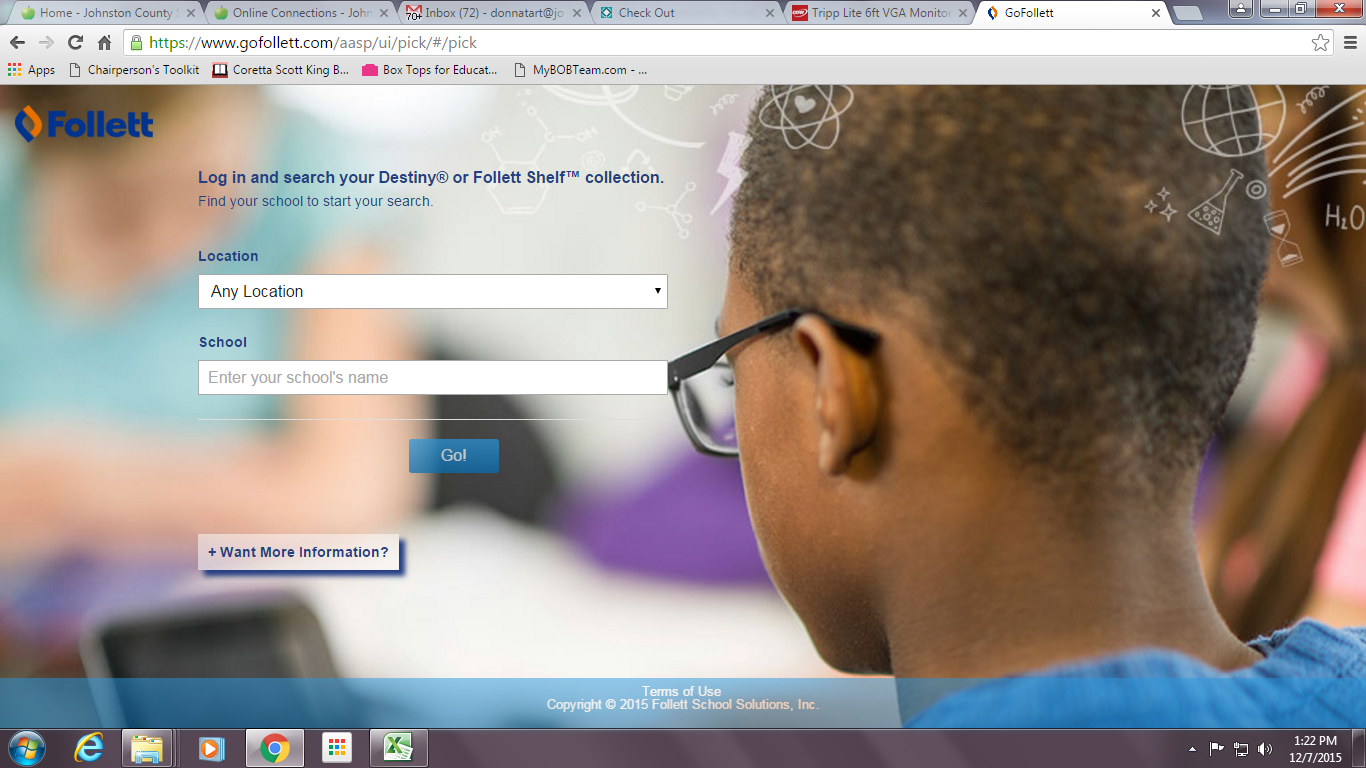
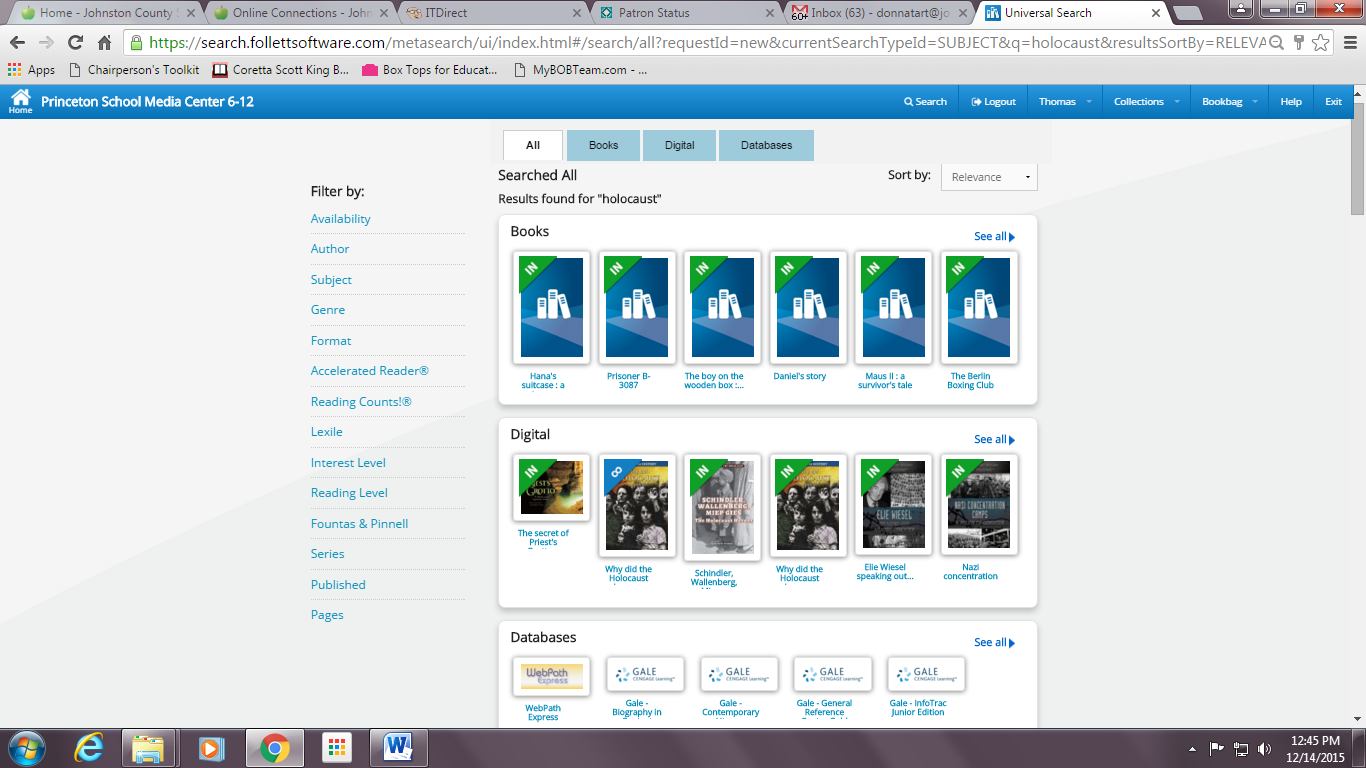
Begin by going to gofollett.com and finding your school. This will take you to the Universal Search interface that Karei communicated that Follett is moving toward to using solely in the future. Once you’re there, students can sign in with their login information to search for books, eBooks, websites, and more using this Universal Search interface. If you signed up for the free trial to WebPath Express, results will appear here as well. If students do not log in, they cannot read eBooks, place holds, see WebPath results, or check out the eBooks. They can only search for resources.
The results displayed in Go Follett depend on your school's specific Destiny Library Manager™ or Follett Shelf settings.
Thank you Donna for sharing tips on using GoFollett for access to the Ebooks! If you would like to be a guest blogger let me know.
Additional Note for today!
Last Note: Here is another list of the books on the District Shared Shelf if you need it for reference! These are also in the Media Folder in Google Drive.
Wednesday, September 16, 2015
Mclass ipads - ios 9.0
Today Apple released an update to iOS 9. MClass has released this statement regarding the update:
IMPORTANT! iOS 9 Update On Wednesday, September 16, Apple is releasing its new operating system, iOS 9. mCLASS® assessments are compatible and ready for use with iOS 9, with the exception of mCLASS Beacon and mCLASS:TPRI.
All mCLASS products will continue to work on iOS 8, as well.
Warning: Users upgrading their Apple devices to iOS 9 must sync the mCLASS app before upgrading to avoid losing data stored on the device.
The Team at Amplify
I would have your teachers carefully look at the amount of space they have available on their device prior to updating. This update takes 1.3 GB and the last update was 4.6 GB so if they are still at iOS7 they will need 5.9 GB free to upgrade to the most current iOS and this is almost 1/2 of the storage on the devices.
Subscribe to:
Posts
(
Atom
)