Welcome Back! Welcome Back!

 We hope you had a restful break and a great first week back with students!  Below you will find some important information/reminders. Pleas...

Inventory in Destiny  - Deadline June 30, 2020 Inventory in Destiny - Deadline June 30, 2020

Technology Services advises the completion of the school technology inventories by June 30, 2020. The data from the technology inventory w...

Inventory in Destiny Inventory in Destiny

We have received several questions regarding our inventory.  For those that may still be allowed to work at your school/work site and ...

BOY Media & Tech Meeting BOY Media & Tech Meeting

We will be holding our Beginning of the Year Media & Tech Meeting on Tuesday, September 10, 2019 in the AG Glenn Team Room.  For your ...

Leased Printers/Copiers/Fax Machines in Destiny - DEADLINE JUNE 22 Leased Printers/Copiers/Fax Machines in Destiny - DEADLINE JUNE 22

We need to track leased printers/copiers/fax machines in the district and the best way to do this is in Destiny.  We need very basi...

Inventory in Destiny Inventory in Destiny

You can start your EOY inventory at any time now.  Please be sure to have your inventories completed by May 31.  We have some chromebo...

Media Monday: Destiny 14.5 updates Media Monday: Destiny 14.5 updates

What's New in Destiny 14.5? Our Library Management System, Destiny was recently upgraded.  Be sure to check out the new features...

Destiny Upgrade scheduled this weekend Destiny Upgrade scheduled this weekend

Destiny (our library management system) will be upgraded over the weekend and will be unavailable on Saturday, January 21 and Monday morn...

Training Opportunity January 26 Training Opportunity January 26

Happy New Year! An unplanned ​ opportunity has come our way! Follett is offering 3 hour trainings on the Destiny library manage...

Media Monday: ACTION requested, Database Update Needed Media Monday: ACTION requested, Database Update Needed

Want to make Destiny Discover the BEST resource tool for your students? Then follow the instructions below... Steps to  Destiny I...

Media Monday: Software Updates Media Monday: Software Updates

The new software for classic view that Karei shared on Friday was populated today on our site.  You might see a few differences.   ...

Media Update- Current Slowness with Resource Manager and Checkout Media Update- Current Slowness with Resource Manager and Checkout

FYI: Last month JCS migrated to a Destiny hosted instance and completed a software upgrade.  Since the move and upgrade, Destiny R...

Destiny Upgrade 12/15/15 PM and Media Tip: GoFollett Destiny Upgrade 12/15/15 PM and Media Tip: GoFollett

Update Tomorrow Just a heads up that we will be updating Destiny tomorrow 12/15/15 around 4:00 PM.  Please be mindful that the system w...

Update to Asset Manager Update to Asset Manager

You might have already noticed but Destiny has changed the word Assets in their system to be called "Resources" The function...

Showing posts with label destiny. Show all posts

Sunday, August 29, 2021

Welcome Back!


 We hope you had a restful break and a great first week back with students!  Below you will find some important information/reminders.


Please mark your calendars for our beginning of the year tech/media meeting, which will be virtual via Google Meet (we'll send out the links closer to the date, too). 

Date and time options:
Option 1: Tuesday, August 31st 3pm-4pm OR
Option 2: Tuesday, August 31st 4:30pm-5:30pm


Both meetings will cover the same information, so just pick a time that works best with your schedule. 
Please remember that it is mandatory for all CTAs and tech contacts to attend one beginning of the year meeting and one end of the year meeting in order to maintain rights and access. 


*IMPORTANT* Before you checkout chromebooks to students, look in Destiny to see if they have devices not yet returned from the 2020-21 school year.  


JCPS Technology Services recommends Chromebooks for BYOD. We do not recommend Apple or Windows products to use safely on our networks. Other devices, such as Windows or Apple, are not approved due to security issues and an infection could take down the school and entire district. There is no way to ensure updates and virus protections are maintained on personal devices.  If schools have students bringing those devices in, just know they are not approved and put our network at risk.


Please archive/delete Google Classroom groups from last year.  Last year's restrictions through Relay Classroom will not release those students until the class has been archived/deleted.  


We have our 2021-2022 dates for Technology Discards/Recycle!

**VERY IMPORTANT** 

If you have any projector bulbs that need to be picked up, please put in an IT Direct Ticket in ASAP.  Please do not place them with the Technology Discards/Recycle items or in the courier because the likelihood of the bulb breaking and exposing others to Mercury would be too great.  


Do you have technology your school no longer uses but it still works?  Sharing is caring!  

Please use this SWAP Meet sheet to add what you have and/or what you need.      



Access our Tech Quote Folder in Google Shared Drive

https://bit.ly/JCPSQuotes


Request Destiny Patron Account (new, transfer, name update etc.)

http://bit.ly/JCSPatron              


Request New Golden Record/Asset in Destiny

http://bit.ly/JCSAsset


Information Regarding Discards

https://bit.ly/JCPSDiscards


New & Old iPads & Chromebooks (Configuring/Deprovisioning)

http://bit.ly/JCPSdevices

Phone Extensions

District Directory

Wednesday, May 13, 2020

Inventory in Destiny - Deadline June 30, 2020

Technology Services advises the completion of the school technology inventories by June 30, 2020. The data from the technology inventory will be utilized for technology planning decisions and to complete the NCDLMI.

The DLMI deadline was extended to December 31, 2020 and counts will need to be accurate as of that date.

Friday, March 20, 2020

Inventory in Destiny


We have received several questions regarding our inventory.  For those that may still be allowed to work at your school/work site and are looking for something to do, now would be a great opportunity to work on your inventory.  Also, you can clean up items in Destiny such as patrons, home locations, lost items, etc. That is, as your principal/supervisor approves.

During this time, in lieu of phone calls, it is best to reach Tech Services via email.  Feel free to contact us as needed.  Thank you for all you do!

Monday, September 9, 2019

BOY Media & Tech Meeting

We will be holding our Beginning of the Year Media & Tech Meeting on Tuesday, September 10, 2019 in the AG Glenn Team Room.  For your convenience, there will be two meetings with the same content.  The first meeting will be 2:45-4:00 and the second meeting will be 4:15-5:30.  This meeting is mandatory for all CTAs to maintain rights.  We have some really important updates. And with that being said, we need for every school to bring 5 sheets of your school's (Follett/Destiny) resource barcodes to this meeting!  There should be 42-43 per sheet.  See you tomorrow!

Thursday, May 17, 2018

Leased Printers/Copiers/Fax Machines in Destiny - DEADLINE JUNE 22


We need to track leased printers/copiers/fax machines in the district and the best way to do this is in Destiny.  We need very basic information in the record so (hopefully) this should not take up too much time.  As items are discarded/switched out, you will follow the same protocol as you would for regular resources (retire in Destiny and remove the barcode).  All leased machines should be entered under this one generic record as we do not need the manufacturer or model information, just counts and types.

Please complete the following fields for each contracted/leased machine at your site:

  • Barcode
  • Serial Number (Contract Model Number -- typically six digit code on sticker on front)
  • IP Address (Manufacturer & Model of machine)
  • Equipment Type (printer only, fax only, printer and fax, etc.)
  • Status (in use)
  • Condition (usable)
  • Home Location

Please enter these records before June 22.  Thank you for all you do for JCPS!

Thursday, April 19, 2018

Inventory in Destiny


You can start your EOY inventory at any time now.  Please be sure to have your inventories completed by May 31.  We have some chromebooks and PCs sprinkled across the county that have been entered into Destiny under the incorrect model.  If you find items that need to be corrected, let us know and we can help you move the items to the correct model.  Having a model incorrect in  Destiny could mean the difference between having priority discards and devices that still have some life left in them.  In addition to checking model numbers during your inventory, the intended use field should also be verified.

It is our recommendation that your school's inventory be completed/finalized before you begin your DLMI report.  Click here for inventory notes.

Remember, these numbers drive your school's tech profiles as well as the state using this information for your school's report card.


Sunday, February 5, 2017

Media Monday: Destiny 14.5 updates


Our Library Management System, Destiny was recently upgraded. 
Be sure to check out the new features available.


Friday, January 20, 2017

Destiny Upgrade scheduled this weekend


Destiny (our library management system) will be upgraded over the weekend and will be unavailable on Saturday, January 21 and Monday morning, January 23 until 7:30am.  We apologize in advance for any inconvenience this may cause.  Since many of you are not in school during this time it shouldn't cause too much trouble, however, please let your students and teachers know if this impacts your school.

Friday, January 6, 2017

Training Opportunity January 26


Happy New Year!

An unplanned
opportunity has come our way!
Follett is offering 3 hour trainings on the Destiny library management system and the resource management system on THURSDAY, JANUARY 26th. These training will be a webinar so you may attend at your school or in person at West Campus. The choice is yours!
Please review the description of each training offered and decide if you would like to attend one and/or both of the trainings. If you are unable to attend at the designated times, these trainings will be recorded and shared for later viewing. If you decide you would like to attend, complete the form attached.​
There are only 12 spots for each training so be sure to decide quickly. First come, first serve! If you have any questions, let me know! Jan 26th 9-12 PM Library Manager Essentials Webinar Objective: To train the site-level users on essential functionality in Destiny Library Manager. Format: 3 hour webinar with simultaneous conference call Attendees: The functional end users of Destiny Library Manager such as librarians, media specialists, aides. Up to 12 persons may attend, unless specified differently in your Destiny agreement. Preparation: The following steps should be completed prior to this training: Have attendees review Training Documentation prior to training (to be provided by trainer with Webinar invitation). Jan 26th 1-4PM Resource Manager - Site Essentials Webinar Objective: To train site-level users on essential functionality in Destiny Resource Manager such as understanding the Template Tree Structure, Tagging Resources, Searching Resources, Resource Accountability, Inventory and Reporting. Format: 3-hour webinar with simultaneous conference call Attendees: The functional end users of Destiny Resource Manager such as technical staff, office personnel or media specialists. Up to 12 persons may attend, unless specified differently in your Destiny agreement. Preparation: The following steps should be completed prior to this training: Attendees should review Training Documentation (to be provided by trainer with Webinar invitation).

Monday, October 17, 2016

Media Monday: ACTION requested, Database Update Needed

Want to make Destiny Discover the BEST resource tool for your students?
Then follow the instructions below...

Steps to 
For passwords check the Media folder! 

Use the Database Checklist to know which databases to configure in Destiny.


Watch the webinar below, for more information on how to use 
Gale Resources in your library and school!

Monday, August 22, 2016

Media Monday: Software Updates


The new software for classic view that Karei shared on Friday was populated today on our site.  You might see a few differences.  


The Media Patron account now loads to GoFollett rather than Classic Destiny, remember you will have to set the location on each machine one time to so that it is remembered as part of the profile for the account.


I have attempted to send out the "Discover Destiny" extension to the student chromebooks, The first time they user (each student) uses a Google search, it will ask for them to set their location (your media collection), then it will remember the location selected.  An empty black bar will appear, if there are no resources available for your search topic, so this might be just a quick lesson at the beginning of the year on how to use the feature and what to do if there are no resources within Destiny.


Thursday, August 18, 2016

Media Update- Current Slowness with Resource Manager and Checkout


FYI: Last month JCS migrated to a Destiny hosted instance and completed a software upgrade. 


Since the move and upgrade, Destiny Resource Manager has been experiencing slowness with asset reporting and editing asset records. The vendor has determined and is working to correct the issue ASAP. 


NOTE: This is only related to Resources. The Library Manager seems to be functioning properly. 


Please share with Media Staff since they may experience slowness while checking out devices

Monday, December 14, 2015

Destiny Upgrade 12/15/15 PM and Media Tip: GoFollett


Update Tomorrow

Just a heads up that we will be updating Destiny tomorrow 12/15/15 around 4:00 PM.  Please be mindful that the system will be down for a very short period around that time.

Thanks for your understanding.

Today's Media Tip: Go Follett

Guest Blogger, Donna Tart from Princeton Middle/High

Using GoFollett.com

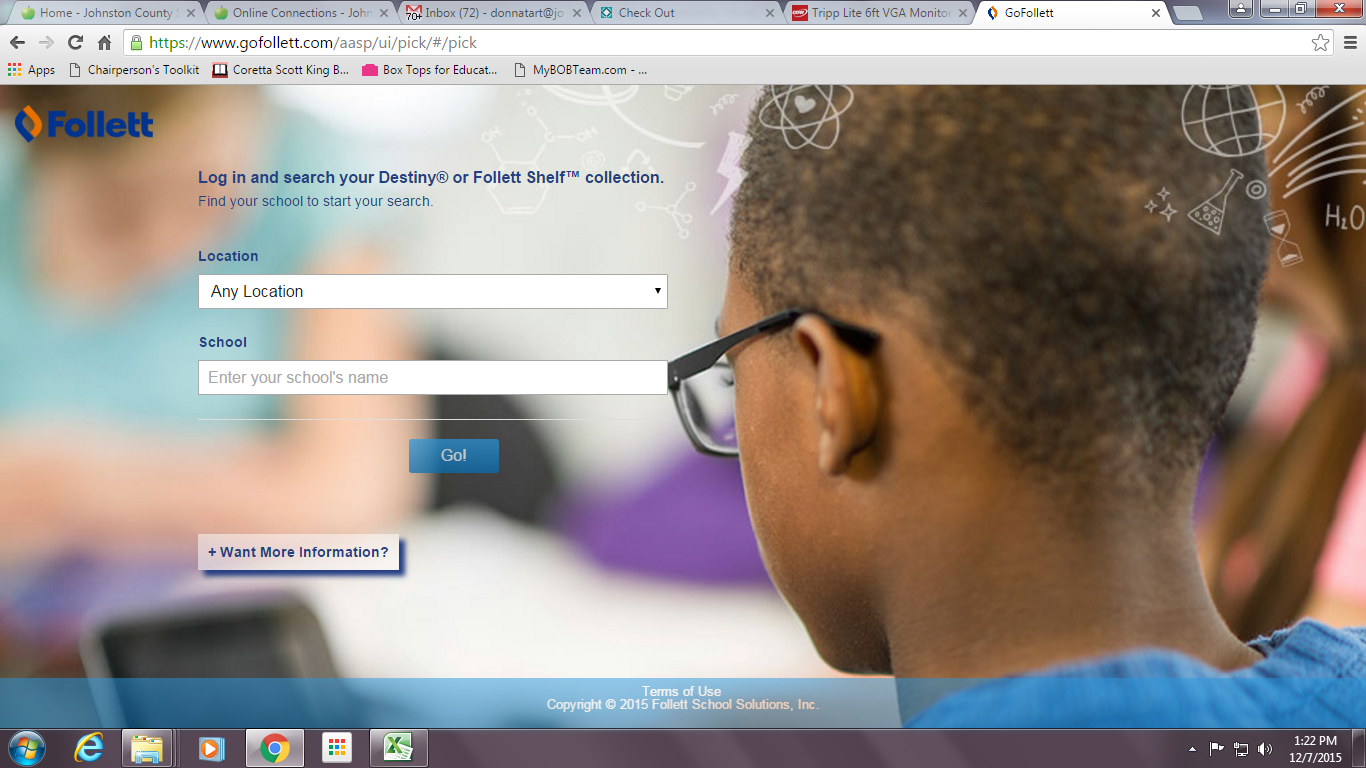
Do you ever get tired of telling your students the many different ways to find Destiny?  You’ve got media.johnston.k12.nc.us. Then there’s “go the JCS webpage, then click on Students, then go to Student Online Connections, then click on JCS Media Centers.”  And then there are the SharpSchool pages you’ve set links up on.  Get my drift?  Instead of using any of the other ways, why not have your students use GoFollett.com instead?
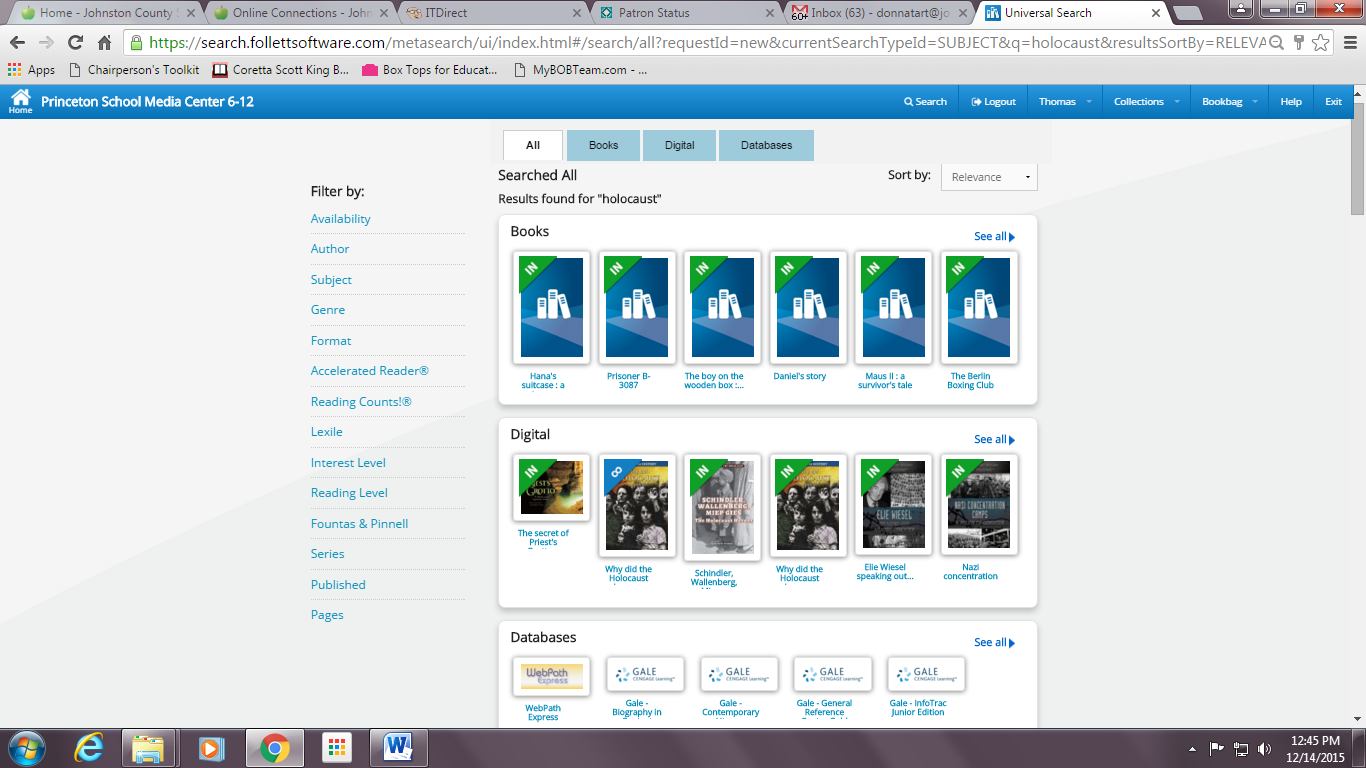
Begin by going to gofollett.com and finding your school.  This will take you to the Universal Search interface that Karei communicated that Follett is moving toward to using solely in the future. Once you’re there, students can sign in with their login information to search for books, eBooks, websites, and more using this Universal Search interface. If you signed up for the free trial to WebPath Express, results will appear here as well.  If students do not log in, they cannot read eBooks, place holds, see WebPath  results, or check out the eBooks.  They can only search for resources.  
The results displayed in Go Follett depend on your school's specific Destiny Library Manager™ or Follett Shelf settings.

Thank you Donna for sharing tips on using GoFollett for access to the Ebooks!  If you would like to be a guest blogger let me know. 

Additional Note for today!


Last Note: Here is another list of the books on the District Shared Shelf if you need it for reference!  These are also in the Media Folder in Google Drive.

Tuesday, October 28, 2014

Update to Asset Manager


You might have already noticed but Destiny has changed the word Assets in their system to be called "Resources"

The functionality appears exactly the same, just the name is no longer "asset manager" but rather "resource manager."