Media Tip: Scholastic Warehouse Dollar Days Media Tip: Scholastic Warehouse Dollar Days

Media Tip: Scholastic Warehouse Sale The Raleigh Scholastic Warehouse Sale is February 4- 6.  There is a Super Saver Pass that gives ...

Media Tip: Big 6 Ideas Media Tip: Big 6 Ideas

Big6 Research Ideas from Guest Blogger - Sarah Lee, Riverwood Middle The Big6 Research Process can help teachers, students, and j...

Destiny Upgrade 12/15/15 PM and Media Tip: GoFollett Destiny Upgrade 12/15/15 PM and Media Tip: GoFollett

Update Tomorrow Just a heads up that we will be updating Destiny tomorrow 12/15/15 around 4:00 PM.  Please be mindful that the system w...

Showing posts with label media tip. Show all posts

Monday, January 25, 2016

Media Tip: Scholastic Warehouse Dollar Days

Media Tip: Scholastic Warehouse Sale

The Raleigh Scholastic Warehouse Sale is February 4- 6.  There is a Super Saver Pass that
gives you an extra $25.00 off your purchase.  Hope you can take advantage or tell your
teachers about it.

Here is the link to more information about the location and hours!

Monday, January 4, 2016

Media Tip: Big 6 Ideas


Big6 Research Ideas from Guest Blogger - Sarah Lee, Riverwood Middle
The Big6 Research Process can help teachers, students, and just about anyone!  It’s great to use as a guide when you have a research project, but it’s also meant as a guide to problem solving.  This is why Danny Hinnant and I wanted to come up with some ideas that our middle school students could really get interested in when we teach the Big6.  We wanted them to see that the Big6 can be used throughout their lives to solve all kinds of problems.  


What does every middle school student feel a need for?  They feel a strong need for a mobile phone if they don’t already have one.  Those that do have one are always ready for an updated model.  So, the problem that and 6th and 7th grade students were given was to find a way to get this new phone. We explain to the students that the problem and the solution will not be identical for all students.  Some students may already have parents who are willing to help them out with a phone, but others may need to convince their parents to let them have one, before being concerned with which phone.  Many of the students may need to find a way to help pay for the phone and/or the service, but all should be concerned with getting a good value.  


What are 8th grade students hoping for once they get to the high school and get their driver’s license?  They would like something to drive.  Our 8th graders were asked to find a way to get that first vehicle.  We make sure they understand that in addition to the price of the vehicle they will need to consider other expenses associated with having a vehicle such as insurance, gas, and maintenance.


Here are the resources we use to explain the Big6 and students are encouraged to refer to this often using the links for more information and examples: http://www.crlsresearchguide.org/Big_Six_Steps.asp


All students were asked to follow the Big6 steps to solve their problems.  They could choose either Google Docs or Google Slides to record their findings for each of the steps.  This project was completed in multiple visits to the media center with some classes moving through the steps faster than others.  

Monday, December 14, 2015

Destiny Upgrade 12/15/15 PM and Media Tip: GoFollett


Update Tomorrow

Just a heads up that we will be updating Destiny tomorrow 12/15/15 around 4:00 PM.  Please be mindful that the system will be down for a very short period around that time.

Thanks for your understanding.

Today's Media Tip: Go Follett

Guest Blogger, Donna Tart from Princeton Middle/High

Using GoFollett.com

Do you ever get tired of telling your students the many different ways to find Destiny?  You’ve got media.johnston.k12.nc.us. Then there’s “go the JCS webpage, then click on Students, then go to Student Online Connections, then click on JCS Media Centers.”  And then there are the SharpSchool pages you’ve set links up on.  Get my drift?  Instead of using any of the other ways, why not have your students use GoFollett.com instead?
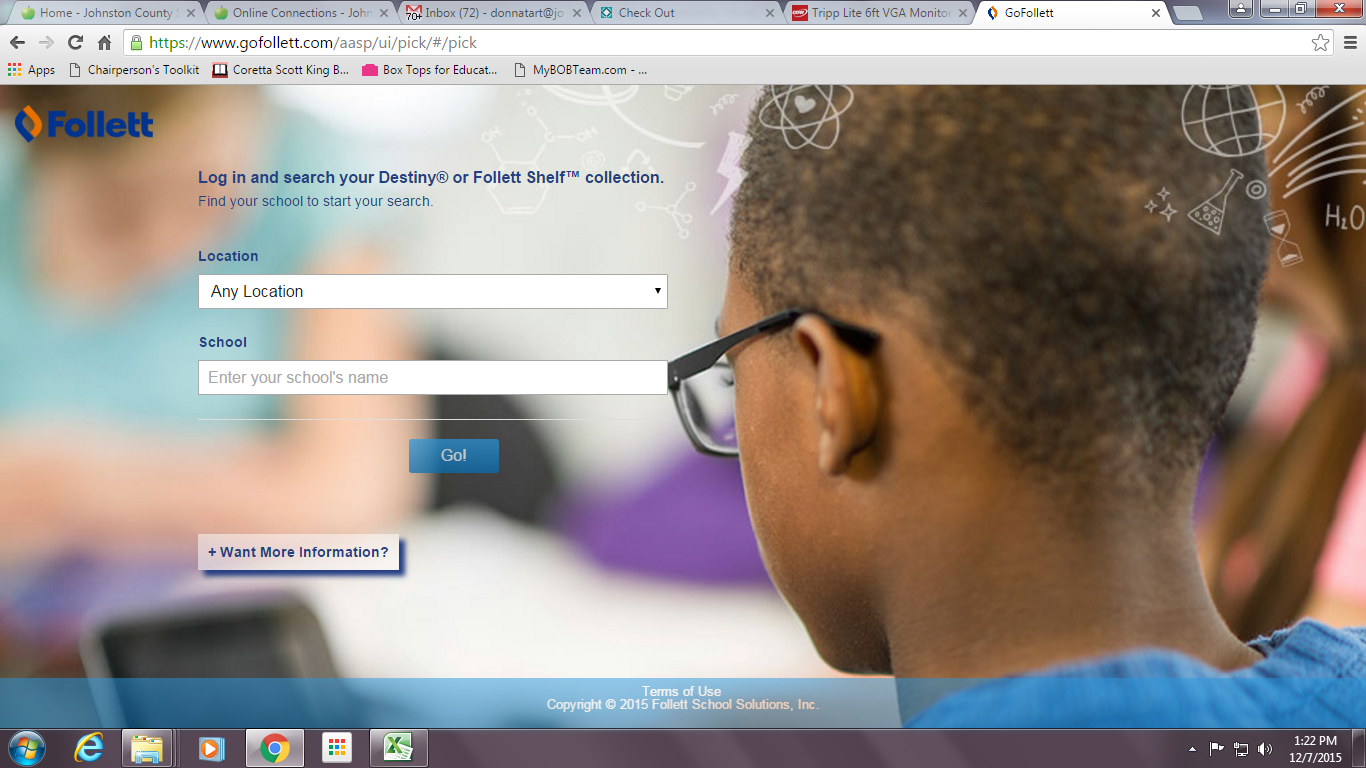
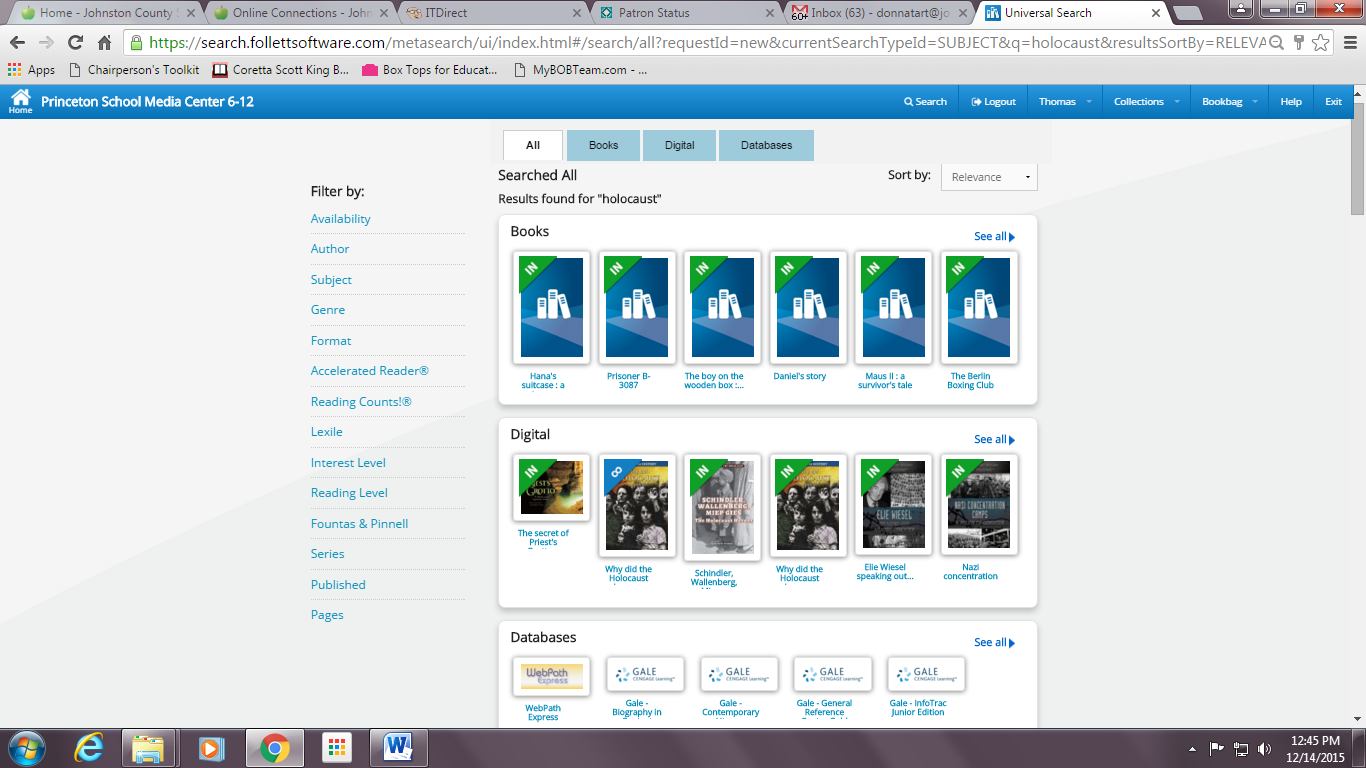
Begin by going to gofollett.com and finding your school.  This will take you to the Universal Search interface that Karei communicated that Follett is moving toward to using solely in the future. Once you’re there, students can sign in with their login information to search for books, eBooks, websites, and more using this Universal Search interface. If you signed up for the free trial to WebPath Express, results will appear here as well.  If students do not log in, they cannot read eBooks, place holds, see WebPath  results, or check out the eBooks.  They can only search for resources.  
The results displayed in Go Follett depend on your school's specific Destiny Library Manager™ or Follett Shelf settings.

Thank you Donna for sharing tips on using GoFollett for access to the Ebooks!  If you would like to be a guest blogger let me know. 

Additional Note for today!


Last Note: Here is another list of the books on the District Shared Shelf if you need it for reference!  These are also in the Media Folder in Google Drive.