Open House Forms Access for Chromebooks & Windows Open House Forms Access for Chromebooks & Windows

For chromebooks, we created three new kiosk apps t o open the following resources: https://www.jcsvolunteers.com/ https://www.lunch...

Wednesday Web Tool: Graphite Wednesday Web Tool: Graphite

Graphite Need a place to find a great app or website to go along with what you are teaching in class? Graphite is a great resource for ...

New Version of the Google Bar New Version of the Google Bar

Google is rolling out a new version of the black apps bar!  You may have already noticed the difference if you have a personal Gmail account...

mClass iPads mClass iPads

Elementary tech leaders heads up! Your teachers may have already discovered a little glitch with deleting apps on their new ipads.  They can...

Showing posts with label apps. Show all posts

Tuesday, August 21, 2018

Open House Forms Access for Chromebooks & Windows

For chromebooks, we created three new kiosk apps to open the following resources:


For windows, we created a generic login to access the resources: 

login name: openhouse
login password: openhouse


Please note: Access will be disabled after all Open Houses have been completed.

Wednesday, September 17, 2014

Wednesday Web Tool: Graphite

Graphite
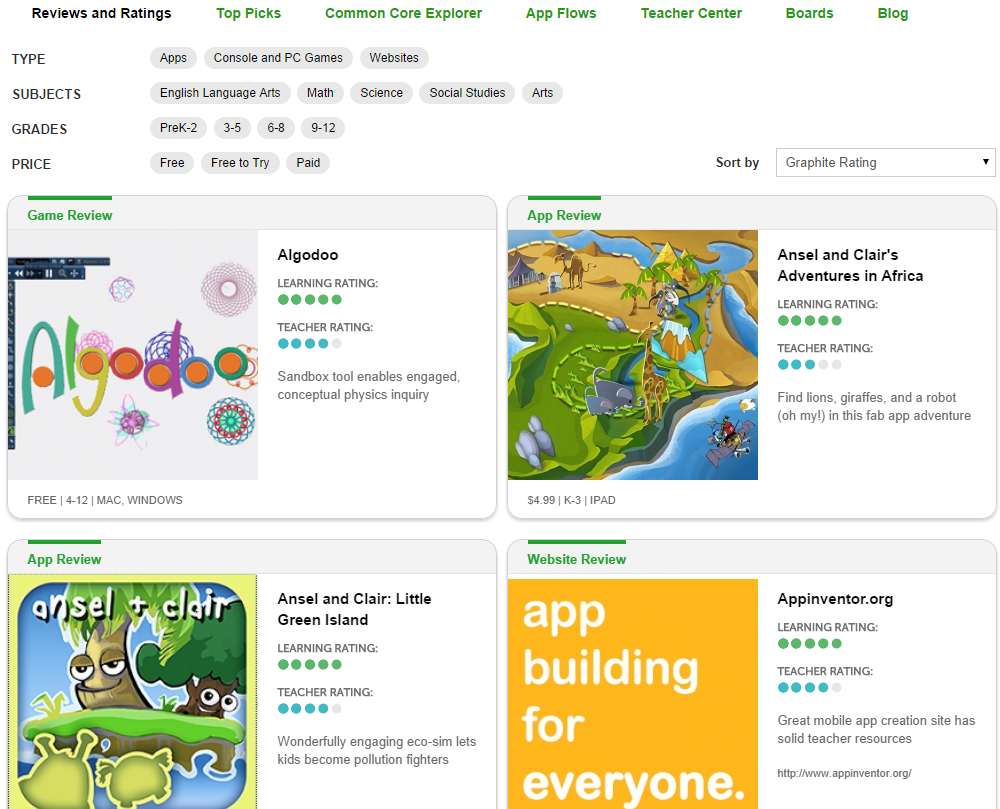
Need a place to find a great app or website to go along with what you are teaching in class? Graphite is a great resource for locating these tools. Organized by Common Core Standards, Graphite makes it easy to find resources that have been reviewed expert educators and your fellow teachers. Graphite even provides tips on how to use a new tool or even one you have already been using.

Start by going to www.graphite.org to create your free account. Once logged in, there are several ways for finding apps/websites of your choice. 

Reviews and Ratings:
Here you can select by type (app, console/PC, website), subjects, grade, price, etc. You will also see featured apps/websites along with their ratings/type/price.


Top Picks:
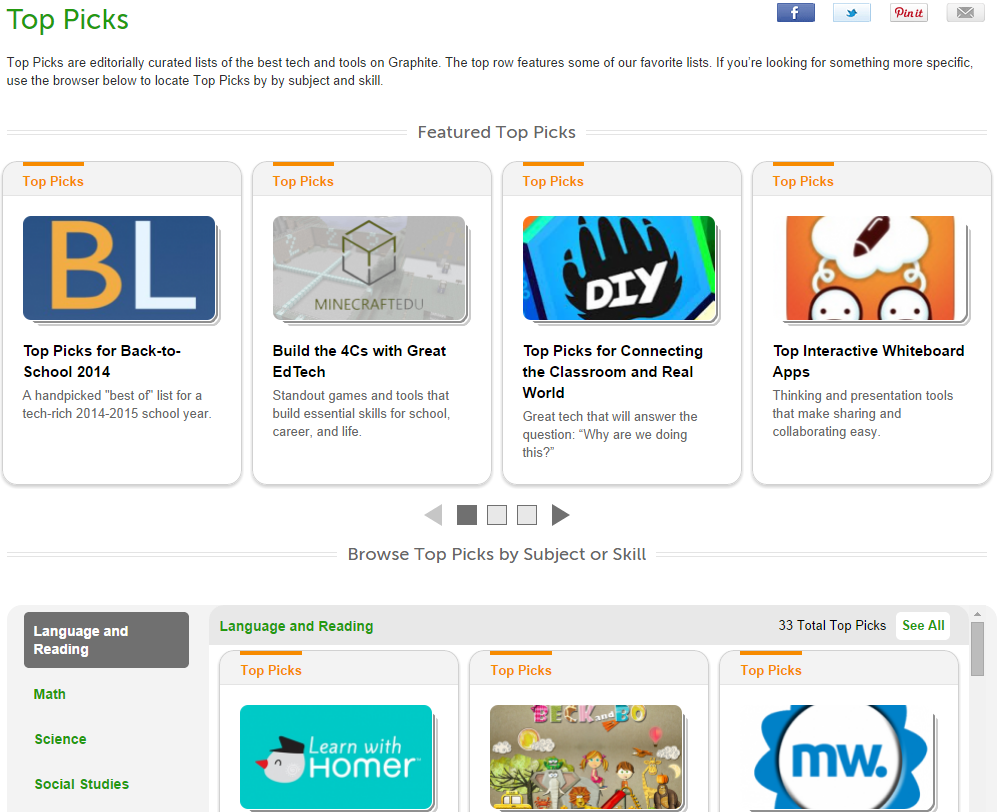
Find featured top picks along with top picks by subject/skill here.


Common Core Explorer:
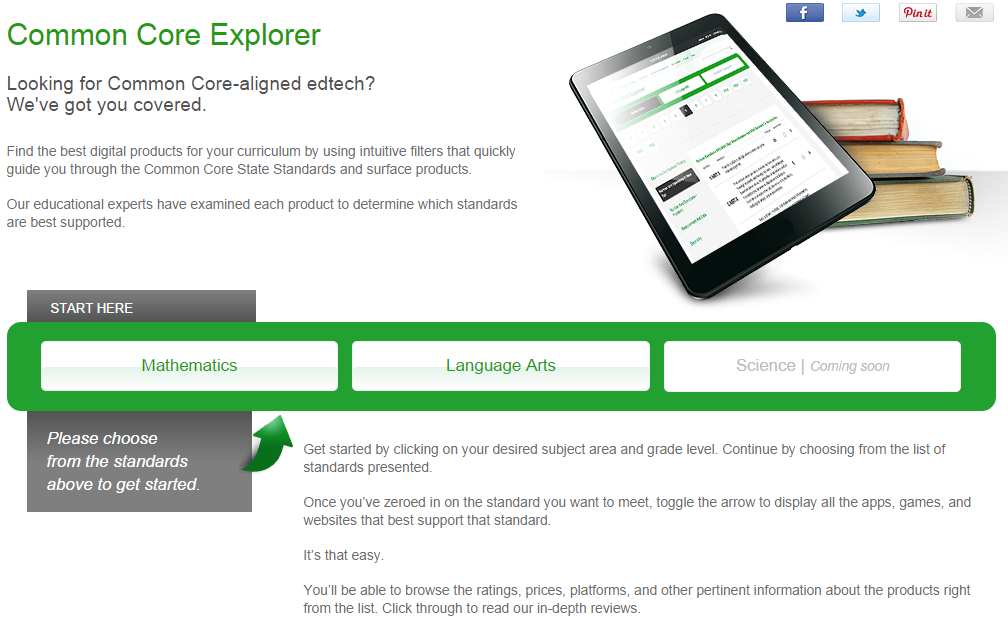
Use the Common Core Explorer to browse apps/websites by subjects: Math and Language arts. (Science coming soon!) Once you choose a subject area, select the grade level, strand, then specific standards. Select the green arrow to view the related resources.  


App Flows:
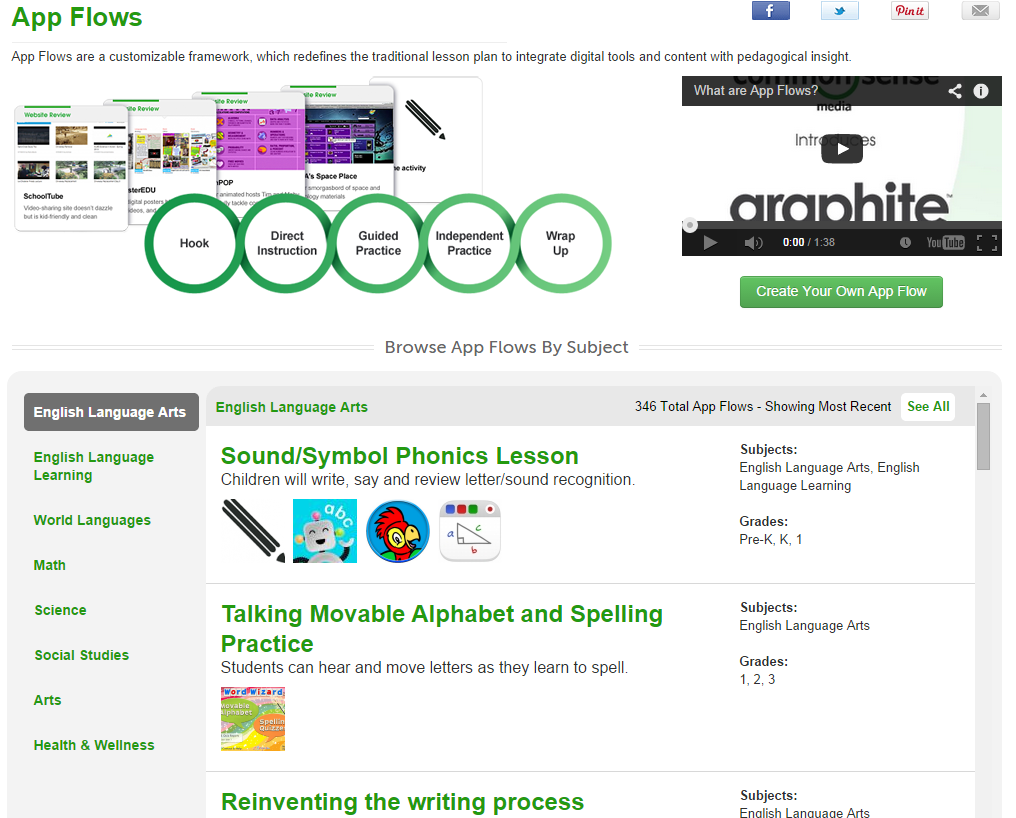
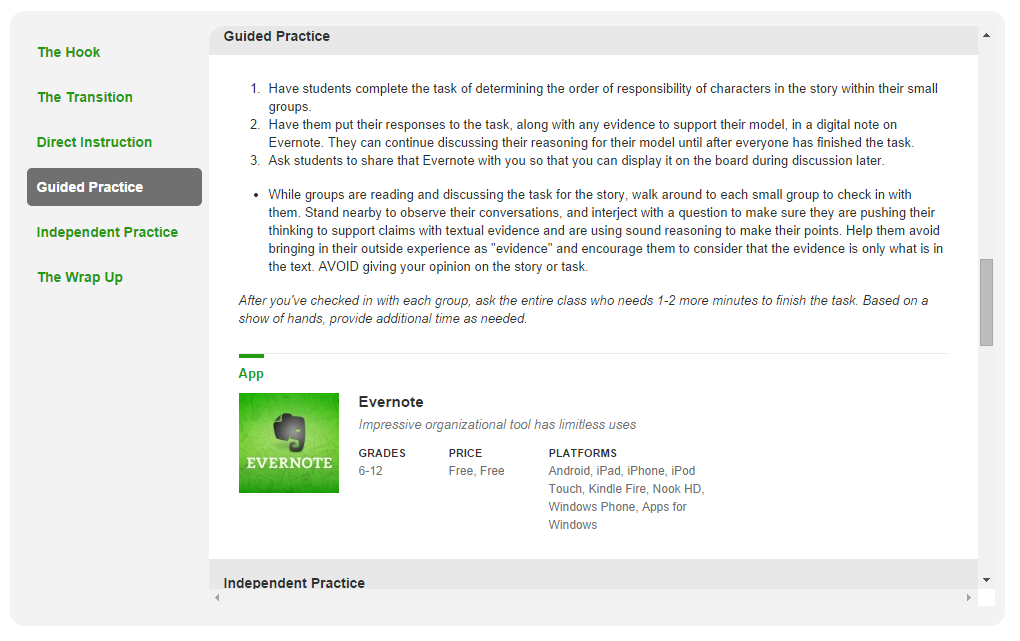
Click on App Flow to see how to implement the app/website with in specific lessons. Search by subject and choose a desired lesson. Here you will see 6 parts of a lesson: the hook, the transition, direct instruction, guided practice, independent practice, and the wrap up.


Teacher Center:
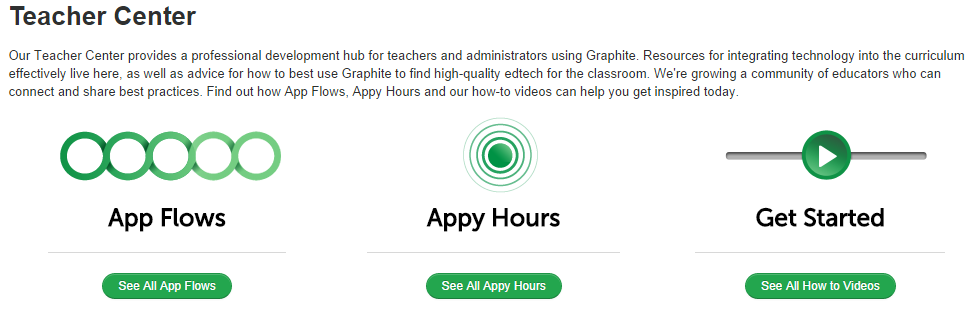
The Teacher Center is your place for how-to resources, teacher discussions, and a connection to App Flows lesson plans.

Boards:
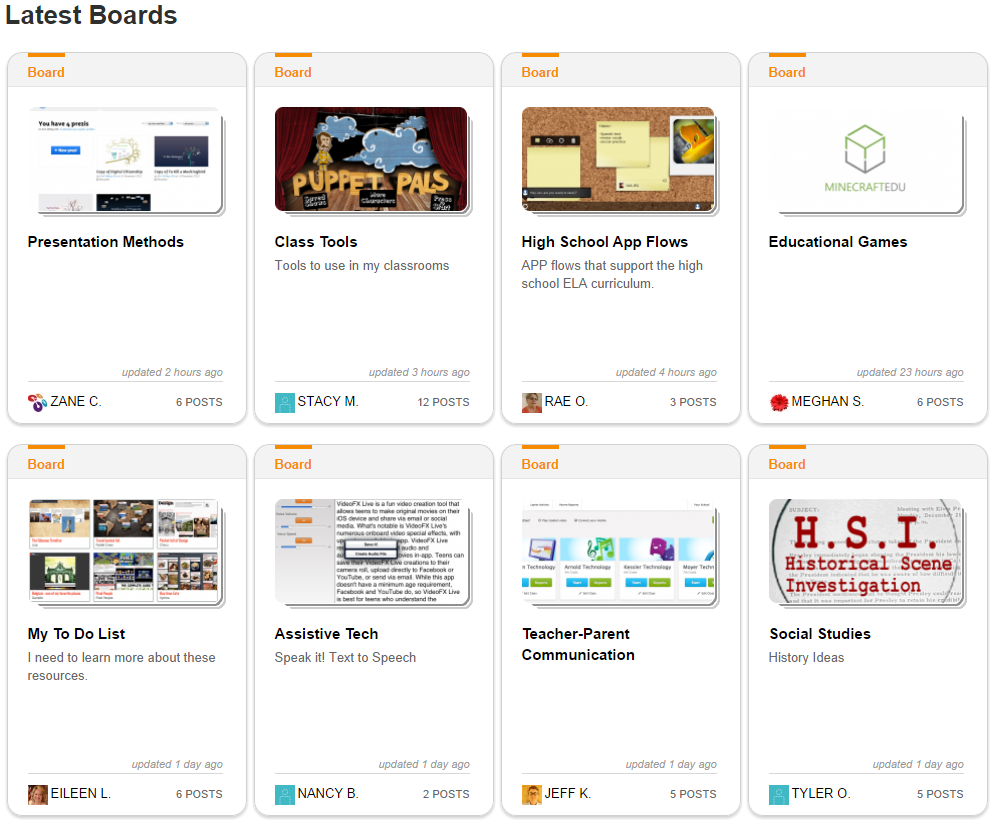
Boards are like Pinterest boards for Graphite. As you find apps/websites you like, pin them to a board and add your comments to them for your reference later.


Blog:
You know what a blog is, but check out this one for tips and ideas directly related to apps/websites from Graphite.


Questions or comments?
Email me at brandywhitley@johnston.k12.nc.us


Friday, November 1, 2013

New Version of the Google Bar

Google is rolling out a new version of the black apps bar!  You may have already noticed the difference if you have a personal Gmail account, and the changes are rolling out to our domain over the next few days.   Previously, to access Google Apps, we would find it in the black apps bar at the top of our pages.


Now we will access these items in the new app launcher located in the top right section of the page.  If you have an Android device or have worked on a Chromebook, the app launcher will already look familiar to you.


Friday, October 19, 2012

mClass iPads

Elementary tech leaders heads up! Your teachers may have already discovered a little glitch with deleting apps on their new ipads.  They cannot delete anything even if they downloaded it with their Apple ID.  We are working on a fix, but it may require resyncing their device to our management computer.  It might be a while before we get it repaired, so please caution mClass teachers to be careful downloading at this time. We will keep you posted as we know more about a solution.