Friday Google Tidbit: Columns in Google Docs Friday Google Tidbit: Columns in Google Docs

COLUMNS are finally available in Google Docs! Google has added a long awaited feature to Google Docs -> Columns, it has been one o...

Friday Google Tidbit: Mixed Columns in a Google Doc Friday Google Tidbit: Mixed Columns in a Google Doc

Sometimes there is a need to have a document with multiple columns. Google Documents do not currently have the ability to have more than...

Showing posts with label columns. Show all posts

Friday, September 23, 2016

Friday Google Tidbit: Columns in Google Docs

COLUMNS are finally available in Google Docs!

Google has added a long awaited feature to Google Docs -> Columns, it has been one of the most requested features.

So here is how to get started, using the Format -> Columns option allows you to add the columns to your document.
You can select 2 or 3 columns for your document


Once you have your columns inserted, you can go to more options to set your margins and spacing between columns, you can also add a line in between your columns:


If you select the line it will appear as you start the second column of text and will look something like this:

Have a great weekend!

Friday, March 6, 2015

Friday Google Tidbit: Mixed Columns in a Google Doc


Sometimes there is a need to have a document with multiple columns. Google Documents do not currently have the ability to have more than one column, but there is a way to work around this.....add a table.

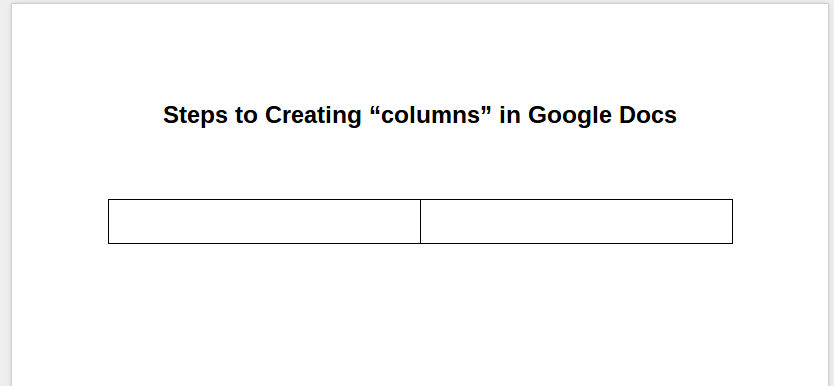
To get started, open a Google Document and add the title to the top of the page. Insert a 2 column table under the title.
(To insert table: Click on Table, Insert Table, select 2 columns)


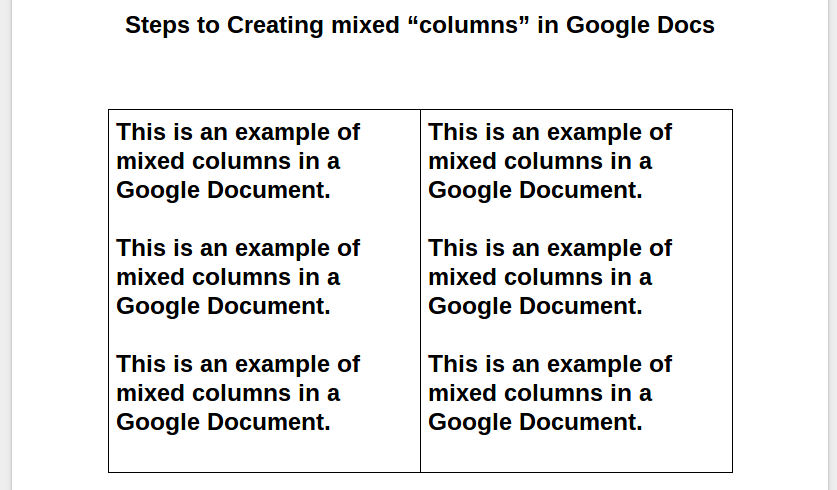
Enter desired text into the table.


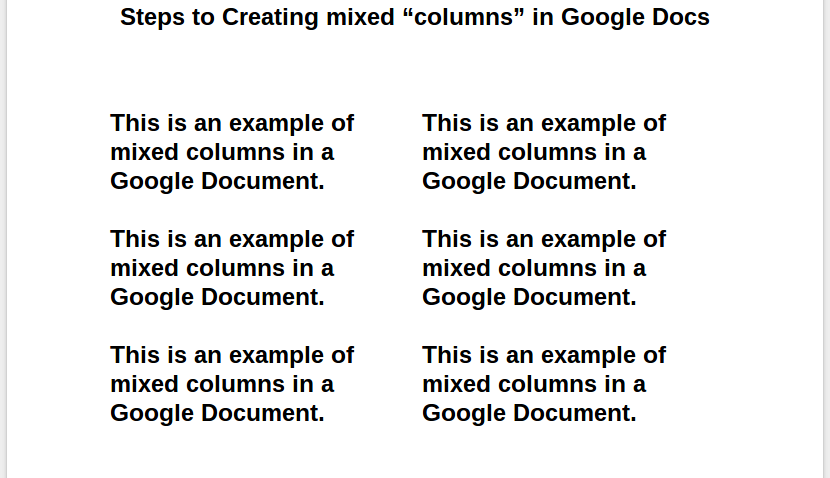
Right click the table (not the columns inside) and select Table Properties again. Change the table border to 0pt to “remove” the lines of the table.


Questions or comments?
Email me at brandywhitley@johnston.k12.nc.us